

Play early
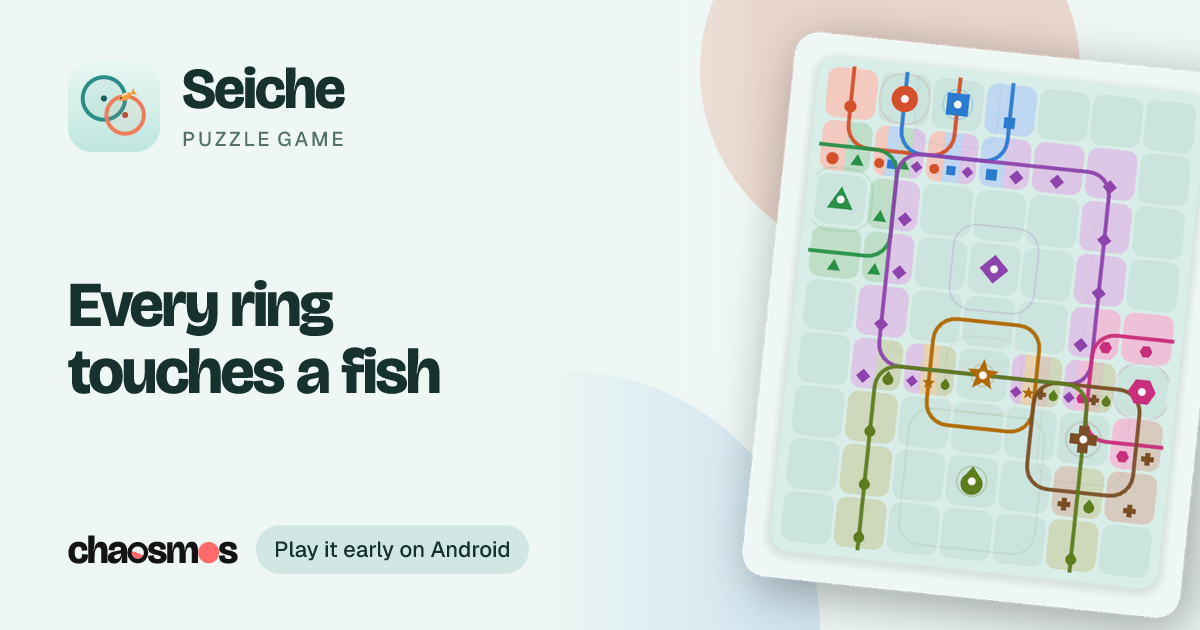
Every ripple's ring touches exactly one fish, and none hides inside a ring. Find where the rings meet and cast.
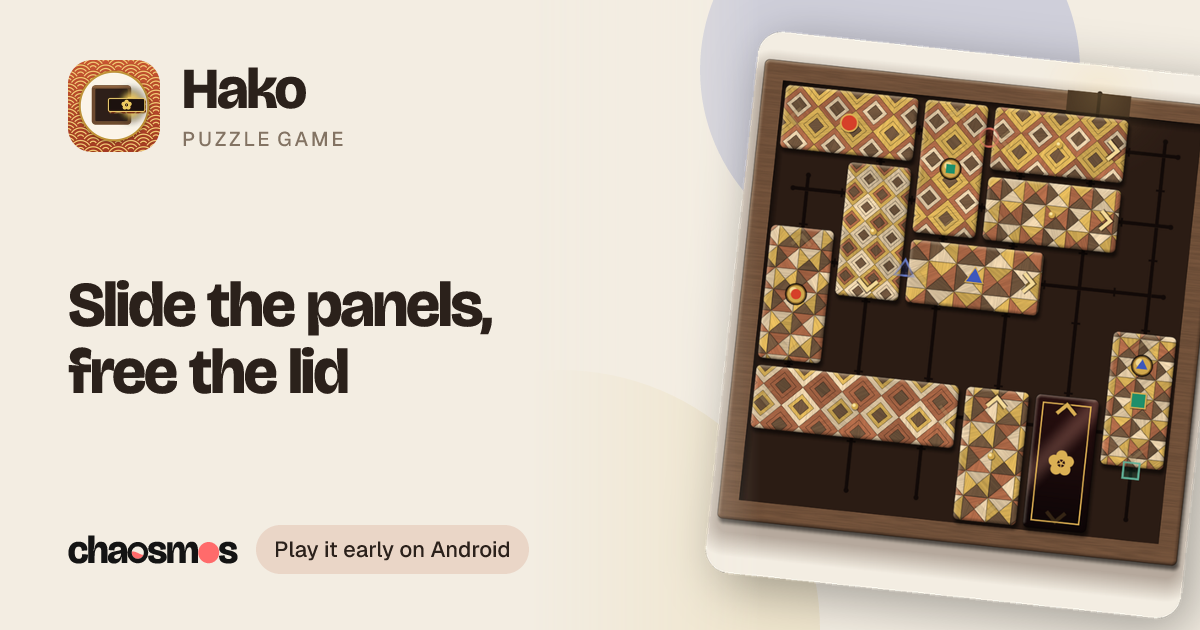
Slide the panels of a wooden puzzle box along their grooves until the lid can leave. A treasure waits at the end of every chapter.
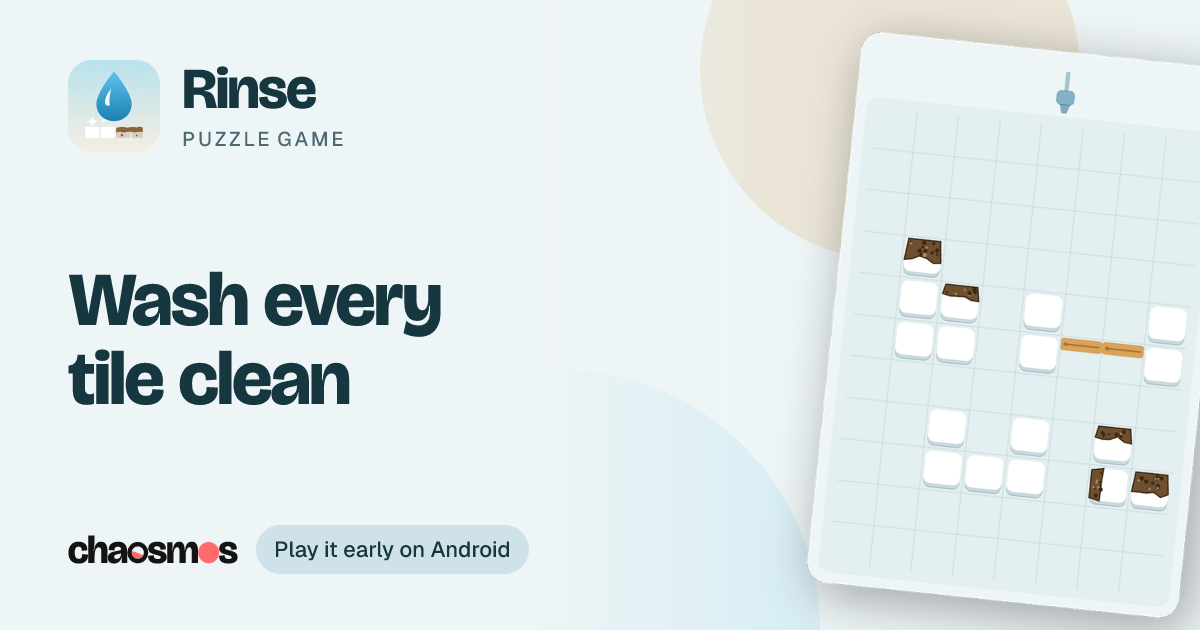
Pour water to wash every tile clean before the tank runs dry. Dirty water runs down onto whatever is below.
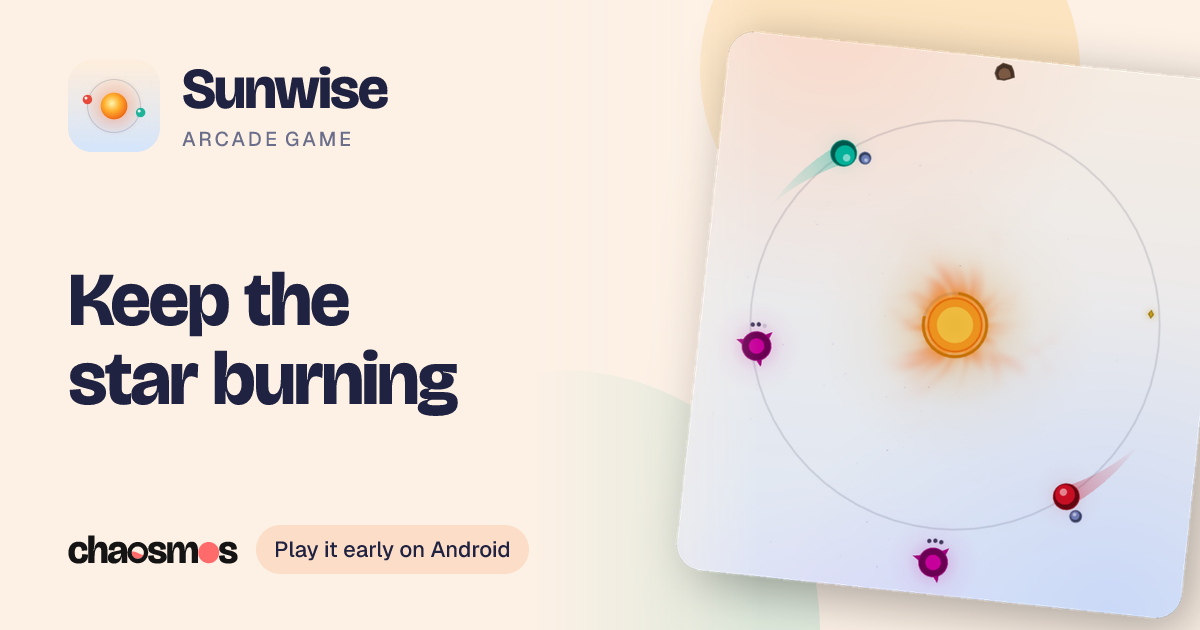
Hold anywhere, and your thumb sets how wide your planets swing around a small star. They smash whatever comes close.
Every Chaosmos game spends a few weeks in testing on Google Play before it launches. Testers get it first, for free, and help make it better. It takes about a minute.
- 1
Join the testers group
Use the Google account your phone uses for Google Play. On a phone, Google may ask you to switch to its desktop site before it shows the Join button.
Join the group - 2
- 3
Invite a friend
Know someone with an Android phone? Every tester helps a game launch, and the link opens these same steps.
Games in testingMore games in testing
Seiche
Every ripple's ring touches exactly one fish, and none hides inside a ring. Find where the rings meet and cast.
Hako
Slide the panels of a wooden puzzle box along their grooves until the lid can leave. A treasure waits at the end of every chapter.
Rinse
Pour water to wash every tile clean before the tank runs dry. Dirty water runs down onto whatever is below.
Sunwise
Hold anywhere, and your thumb sets how wide your planets swing around a small star. They smash whatever comes close.
Good to know
- Which phones can test?
- Android phones and tablets with Google Play. Testing is not open on iPhone or iPad.
- The opt-in page says the test isn't available
- Google can take a few minutes to see a new member of the group. Wait a little and open it again, signed in with the same Google account you joined with.
- Do I have to pay?
- No. The games are free to play, just as they will be at launch.
- What happens at launch?
- Nothing changes for you. The game you tested updates through Google Play, and your progress stays.
- How do I send feedback?
- Write to hello@chaosmos.studio, or use the game's Support page. A level that felt unfair, a button that confused you, a bug: all of it helps.
- Can I stop testing?
- Any time. Open the game's Opt in link again and leave the program, or uninstall the game.