
How the hint works in Apsis, and why it is always right
What Apsis's hint shows, how it picks which arrow to light, why a hinted tap can never miss, and what happens if you ask while an arrow is still flying.
On this page
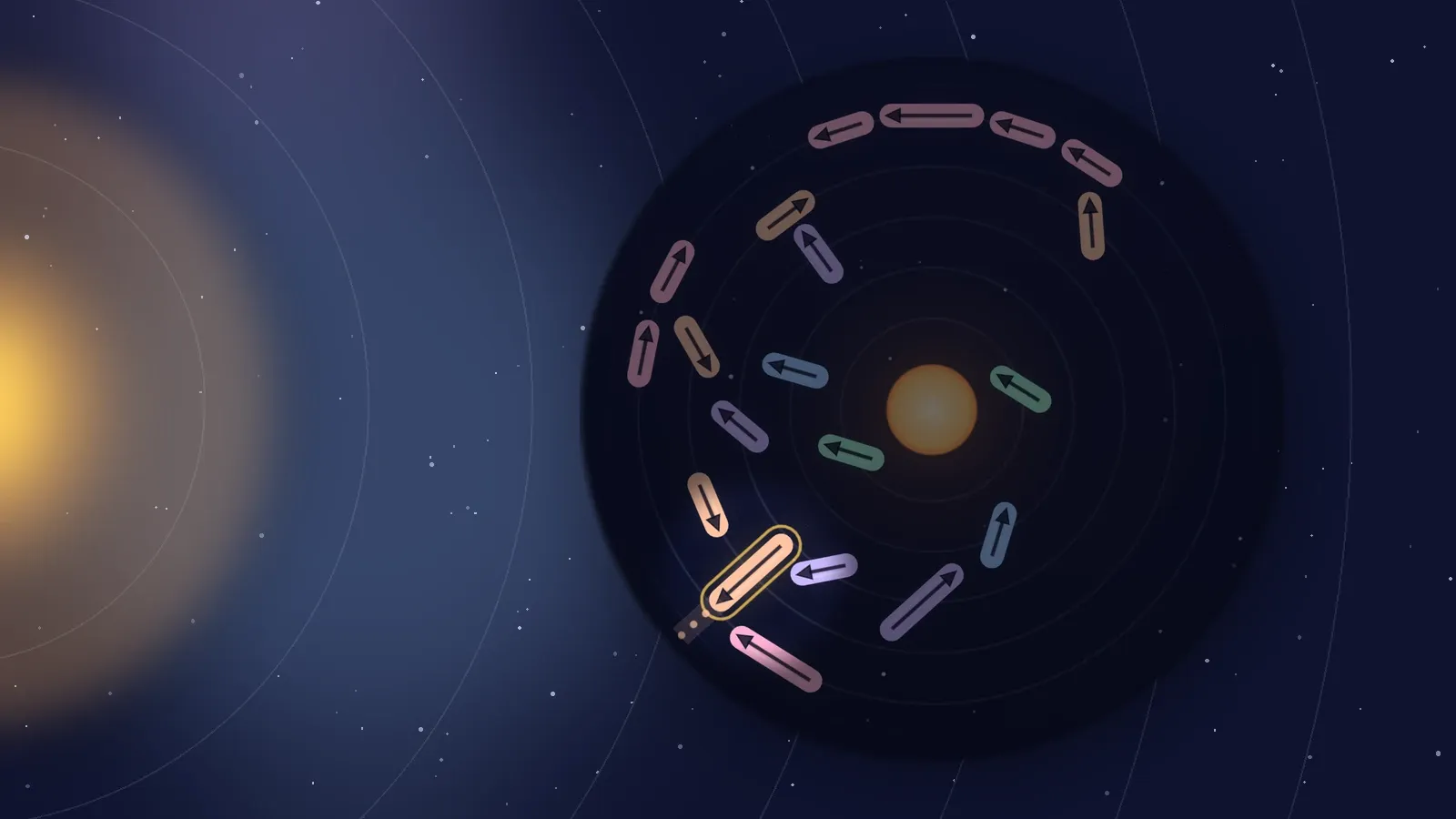
The light bulb at the top right of the play screen is the hint. Tap it and the screen dims everywhere except around one arrow, which pulses, while its way out is drawn over the dimming. This post explains what that means, how the arrow is chosen, and why following the hint can never cost you a heart.
What you see
When you ask for a hint:
- the screen dims to a soft dark, except for a circle of light around one arrow;
- that arrow pulses gently;
- its path is drawn out to the rim, the same dotted line and band you see when you hold an arrow, but bright enough to read through the dimming.
That is all. The hint does not launch anything for you. Any touch puts it away, so you can tap the lit arrow straight away, or look at the board a little longer and do something else.
Why a hinted tap always gets out
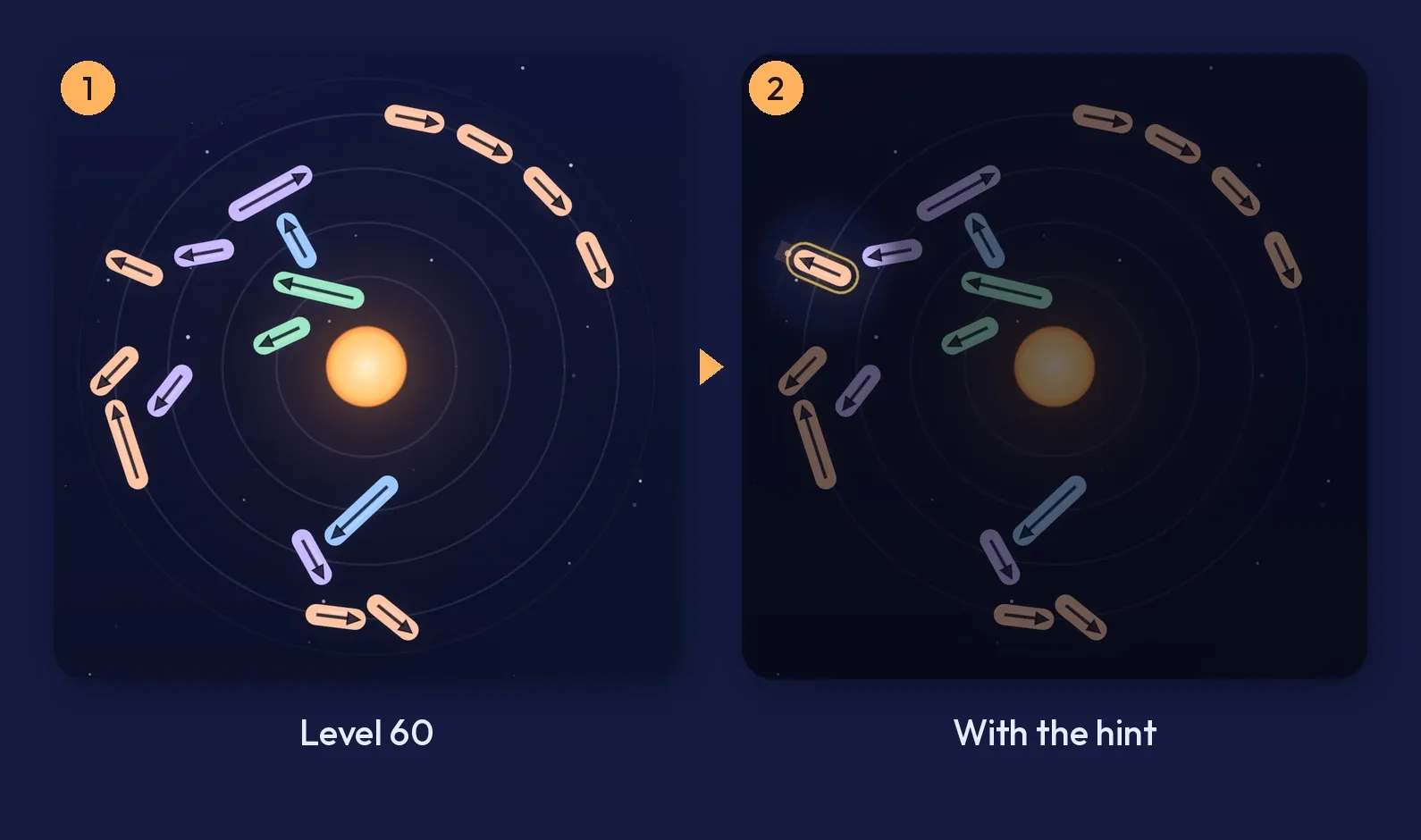
The hint only ever lights an arrow that is free right now: nothing lies in its band all the way to the rim. So the tap it suggests always leaves the system.
It is also always safe for the rest of the level. In Apsis, taking an arrow away only ever clears space, so an arrow that is free stays free however many others leave. Launching the hinted arrow can never trap another arrow, never make the level harder, and never lead to a dead end. If you did nothing but follow hints, you would clear every level without a single miss.
That is not just a claim. The game’s tests follow nothing but the hint on every level, checking that each one clears with all three hearts, and a robot that plays through the real screens clears some of the late levels by pressing the hint button and tapping whatever it lights.
How the hint chooses
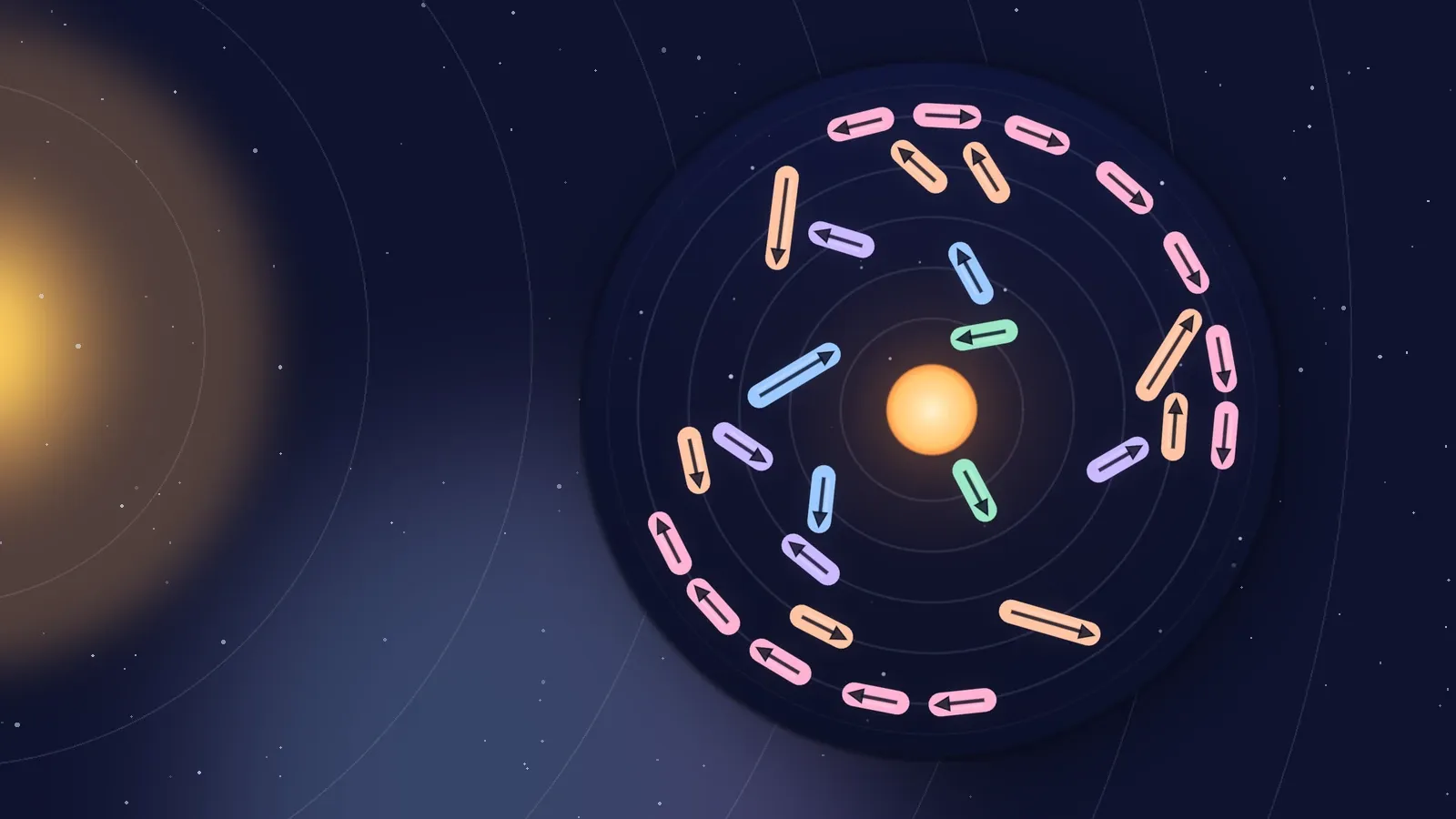
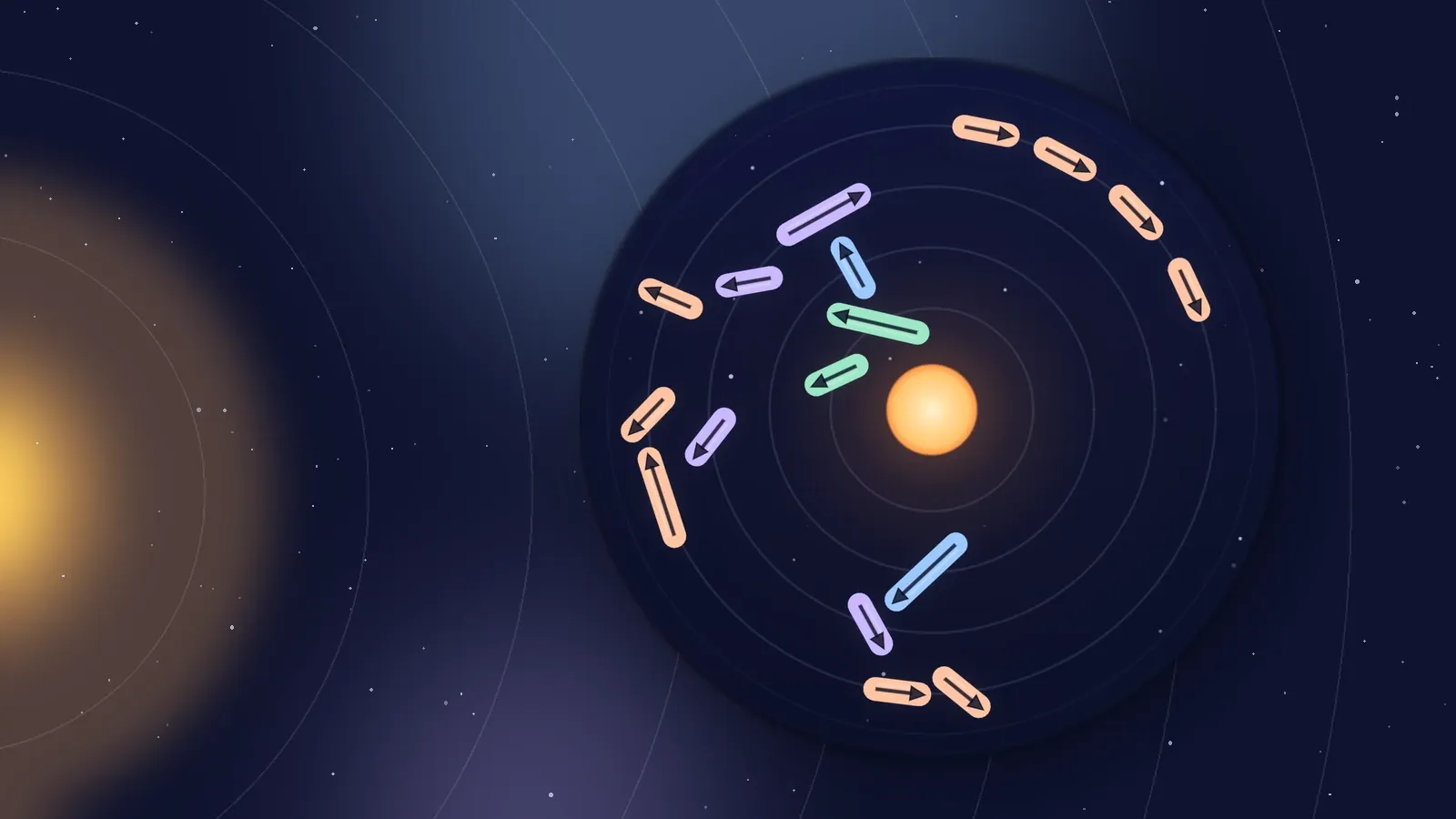
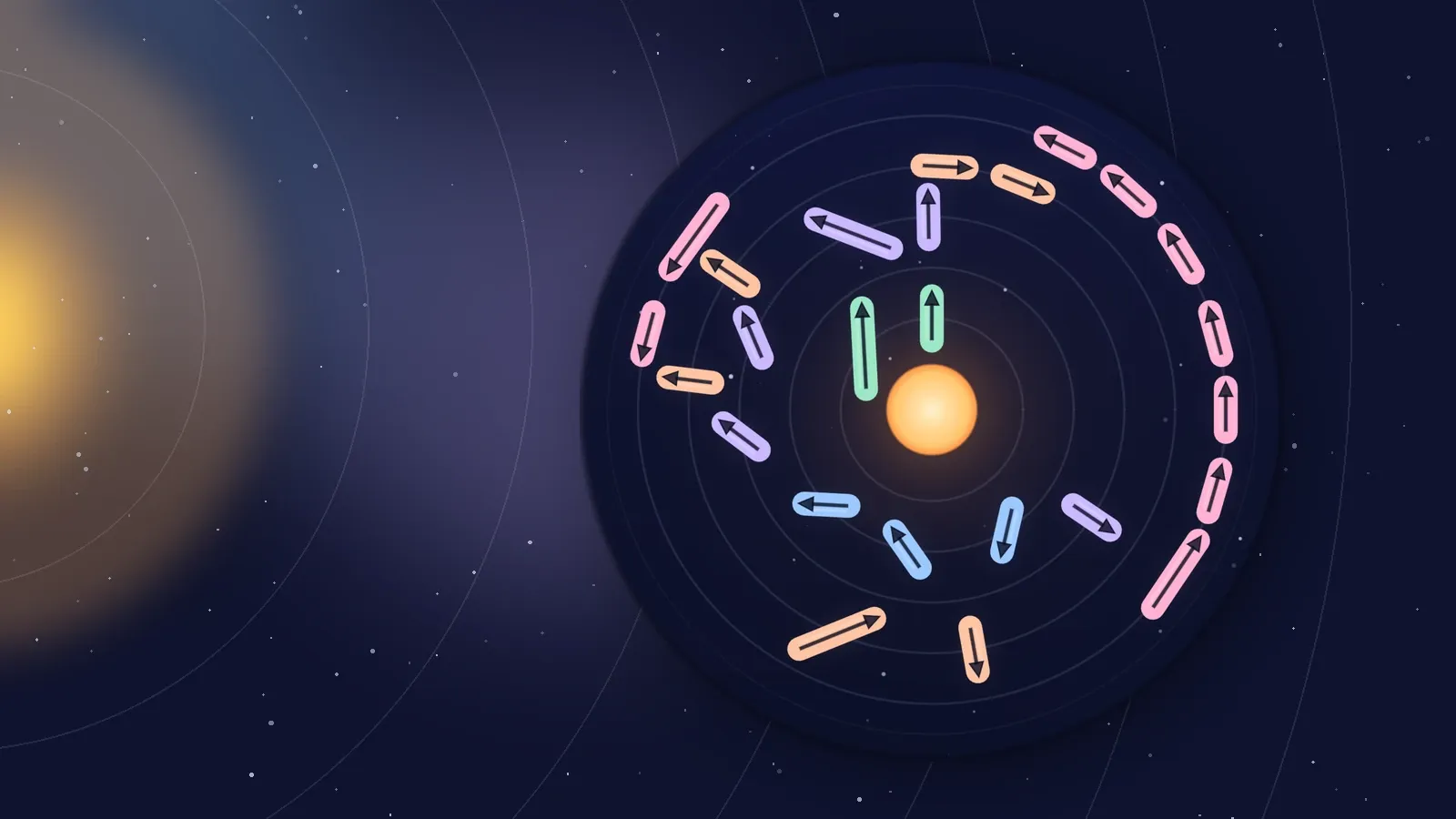
Most boards have several free arrows at once. Any of them would be a correct hint, but they are not all equally useful. The first free arrow on the list is often one on the outer orbit pointing straight out, which nothing is waiting on. Correct, and it teaches you nothing.
So the hint scores every free arrow, in order:
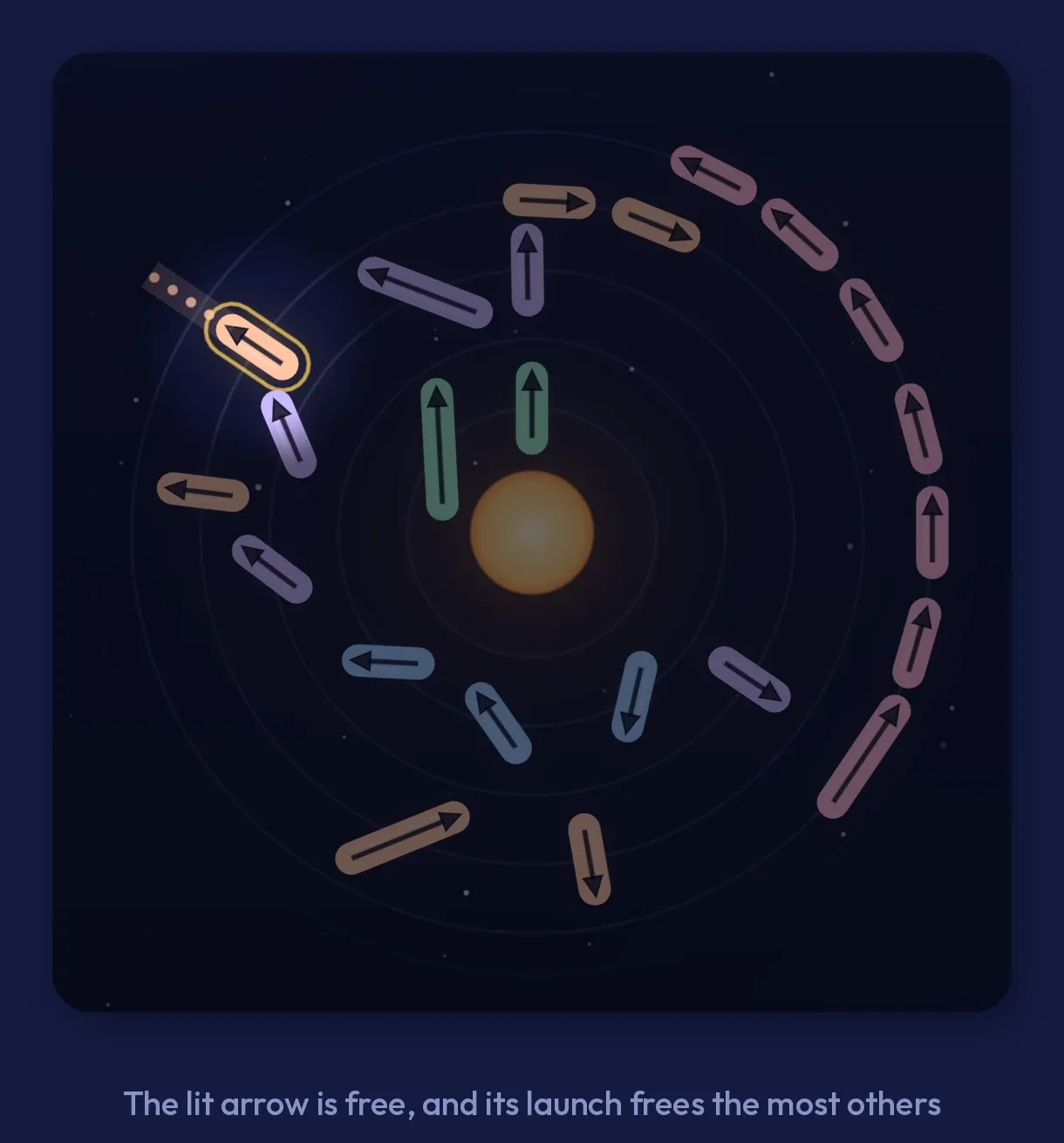
- How many arrows it frees outright. If an arrow is the only thing in another arrow’s way, launching it frees that one immediately. The free arrow that frees the most wins.
- How many arrows it is in the way of at all. A tie goes to the arrow that sits in the most other paths, even if those arrows have other blockers too.
- Its place in the list. A final tie goes to the first, so the hint is always the same for the same board.
The result is that the hint points at the start of a chain, which is the move a strong player looks for. The lit path shows you why it is free, and the arrows near it show you why it matters.
If you ask at an awkward moment
A hint asked for while an arrow is still flying, or still springing back from a miss, waits until everything is still, then answers. It never answers from a board the screen does not show yet.
If you are already out of hearts, there is no point lighting an arrow, so it says so instead, in a short note: “Out of hearts. Retry puts every arrow back”.
Does the hint cost anything?
Never a heart or a star: your stars depend only on the hearts you keep. Three stars and hearts explains the scoring.
Every hint on the first 15 levels is free, as many as you like, while you learn to read the sky. After that, the Android app gives you 3 free hints a day, and the count starts again at midnight. The light bulb shows how many are left, and a small play mark when the next one needs a video.
Once the free ones are used, the hint asks whether you would like to watch a short video for it. Say Not now and nothing happens; if no video is available, say because you are offline, you get the hint anyway. With the Supporter pack, every hint is free, and in the web version, which never shows ads, a hint never needs a video.
How to use it well
The hint is most useful as a teacher, not a shortcut:
- When you are stuck, ask, then look at the lit arrow and the arrows around its path. Which ones was it blocking?
- When you are unsure of a band, hold your own candidate first. If the hint lights something else, compare the two paths.
- When you want three stars, use the hint rather than guessing. A guessed tap can miss, and a hinted tap cannot.
Where it comes from
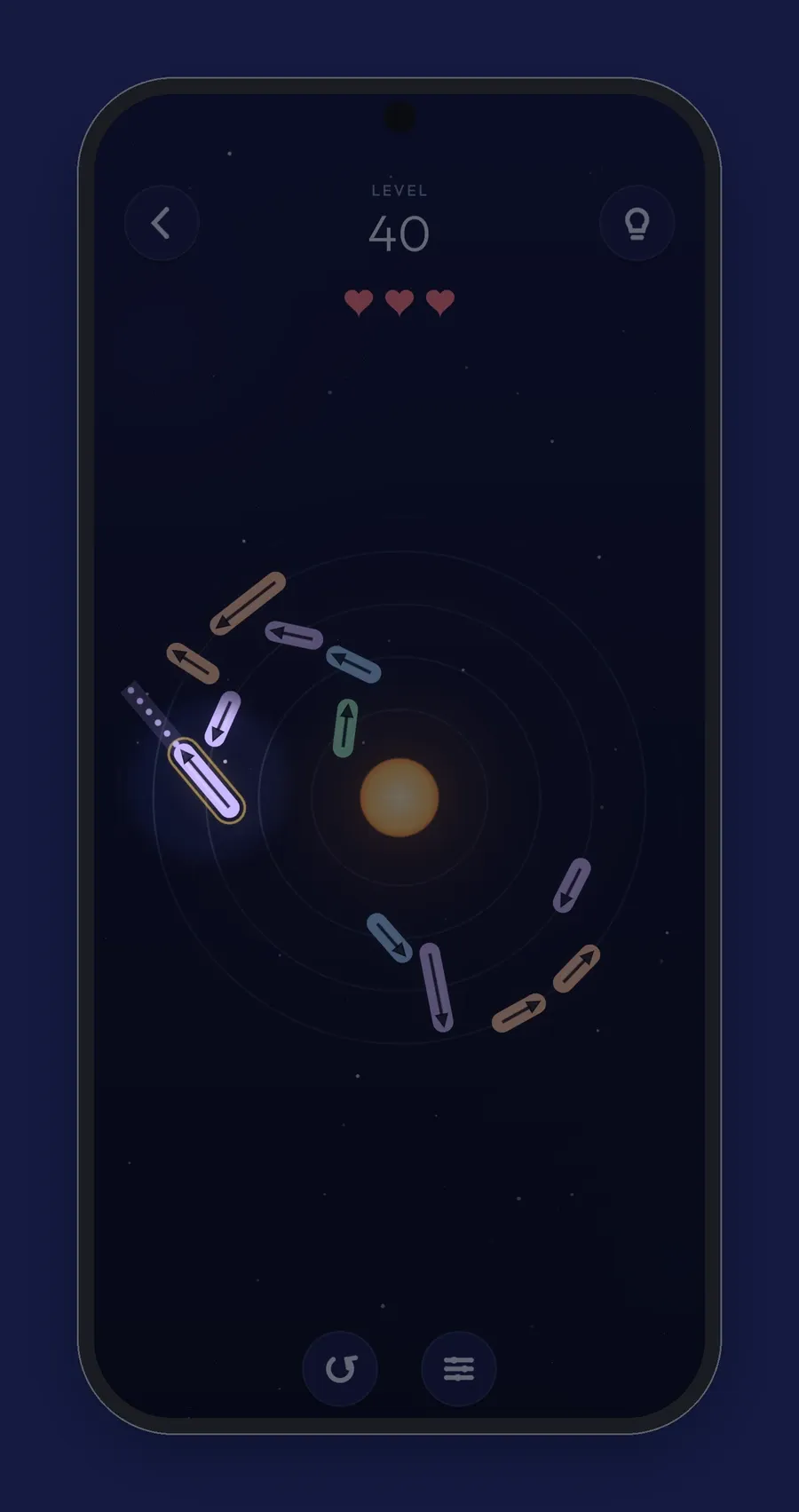
The hint uses the same solver that measures every level. It finds the free arrows, works out which arrows each blocked one is waiting on, and counts. That takes a small fraction of a frame, even on the densest boards.
If you want the ideas behind the solver, the level generator and the difficulty score, read how the levels are made. For habits that make the hint less necessary, see the beginner tips.
Written by

Shravan Goswami
Game designer and developer
Claude Opus 5.5
AI co-developer
Comments
Sign in with GitHub to leave a comment or a question.