How to choose a game engine for your first small game
Compare Godot, Unity and Unreal through a small practical trial. Check your target device, workflow and export needs before committing to a game engine.
 , 4 min read
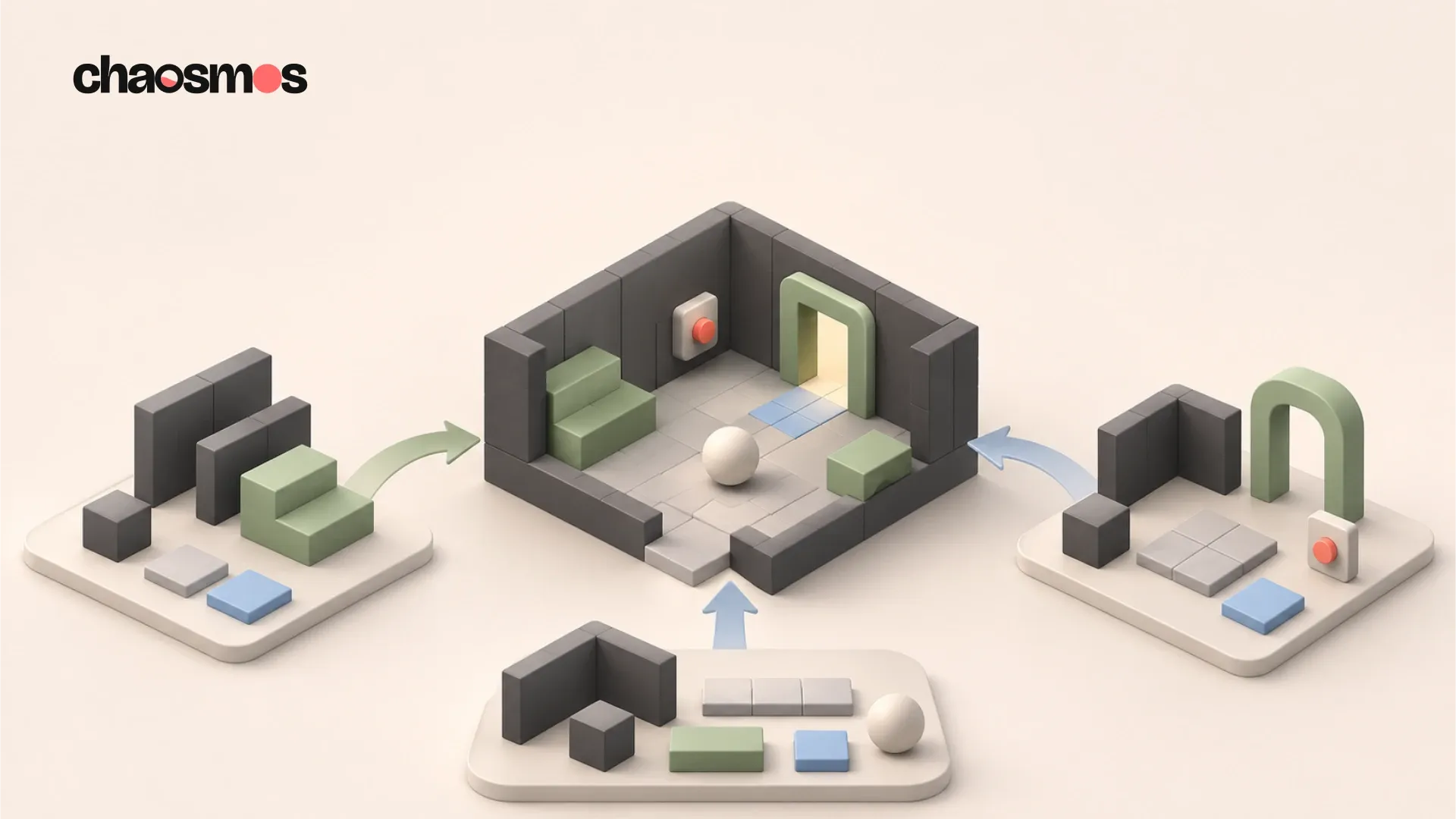
Choosing a game engine is easier when you have a small game in mind. Write down what the player does, which device they use and what a finished first version contains. Then compare engines against that description.
My recommendation is to try the same tiny interaction in two plausible engines before committing. An exported scene running on your intended device tells you more about your particular project than a feature list alone. You do not need to recreate your whole idea to learn something useful.
Start with the game and the device
Consider a hypothetical first project: a small 2D room where the player moves a character, presses a switch and opens a door. The first version needs input, collision, a clear success state and a way to restart. It does not need a large world or a complicated asset pipeline.
Now choose its first destination. A phone, a desktop computer and a browser place different demands on input, screen layout and distribution. Make the first target specific enough that you can actually test it. “An Android phone I own” is more useful at this stage than “every platform eventually”.
If a console release is essential, investigate access before assuming that an export button will solve it. For example, the Godot Foundation does not maintain official console ports. Godot’s own guidance describes platform-holder approval and official SDK access, with either in-house work or licensed third-party middleware. Godot console support
Compare the working style
These are starting points for a trial, rather than a ranking of overall engine quality.
| Engine | A workflow worth trying | A useful question for your trial |
|---|---|---|
| Godot | Compose nodes into reusable scenes and write behaviour in GDScript | Can you understand and change the scene without following the tutorial again? |
| Unity | Add C# behaviour to a small scene | Can you comfortably edit, debug and reuse the interaction? |
| Unreal Engine | Connect gameplay logic with Blueprints | Can you follow the events, variables and state changes in your graph? |
Godot documents nodes, reusable scenes, resources and its integrated GDScript language as core parts of its workflow. Godot features Unity’s programming introduction describes C# as its scripting language. Unity programming introduction Epic describes Blueprints as a node-based visual programming language, with C++ systems able to provide a foundation that designers extend. Epic’s Blueprints introduction
Visual scripting still asks you to reason about what happens and when. Treat the trial as a way to discover which representation you can read and maintain comfortably. If you already know a language, include that experience in the decision, but still check the complete path to a playable export.
Run the same small trial
Keep the scene deliberately plain so that finding art does not become the main task. Use a square for the character and simple shapes for the switch and door. Give each engine the same requirements:
- Move the character using the intended controls.
- Activate the switch and show that the door opens.
- Reach a success state and restart without closing the application.
- Export the result and run it outside the editor.
Record where you needed help and whether the explanation made sense afterward. Also record practical friction: installing the required export tools, finding the right documentation and understanding an error. Do not turn these notes into a scientific performance benchmark. A first attempt measures your experience with that task, including your existing familiarity.
Choose the next check
Open the statement closest to your situation.
I finished the scene, but only inside the editor
Export it before making a decision. Check input, text size, restarting and basic performance on the intended device. Write down any extra tools or services you needed.
I can follow a tutorial but cannot change the result
Add one small variation without copying another tutorial. Make the switch close the door again, or change what counts as success. If the logic remains unclear, spend the next session learning that specific concept.
Both engines seem suitable
Prefer the one whose workflow you can explain and whose export path you have completed. Keep the other trial as a reference, then commit to finishing the small game before reconsidering.
Check dependencies before committing
List anything the real game needs beyond the trial: save files, localisation, controller support, purchases, networking or a particular asset format. For each essential item, find current official documentation and check whether your chosen engine version and platform are covered. If you depend on an add-on, inspect its maintenance, licence and compatibility too. An attractive demonstration is less useful if the dependency you actually need has no workable route to your target.
Pricing, licence terms and platform policies deserve their own current check before you spend money or sign an agreement. This workflow comparison is not a substitute for reading those terms.
Finish something with the result
After the trial, write a short decision: the target device, the chosen engine and the reason it suits this particular game. Keep the first scope small enough to finish with that choice. Reconsider when you discover a concrete requirement the engine cannot reasonably meet, rather than whenever another comparison video appears.
The useful result is a game you can keep improving and put in front of a player. A modest scene that you understand is a sound place to start.
The Godot Engine icon is by Andrea Calabró, copyright 2017, licensed under CC BY 4.0. Unity trademarks belong to Unity Technologies and its affiliates. Chaosmos has no affiliation with or sponsorship from these companies. The Unreal Engine logo belongs to Epic Games.