How I build games with AI assistance
Chaosmos is one person working with AI tools. What I do, what the AI does, how a change gets to my phone, how it is checked, and what goes wrong.
 , 10 min read
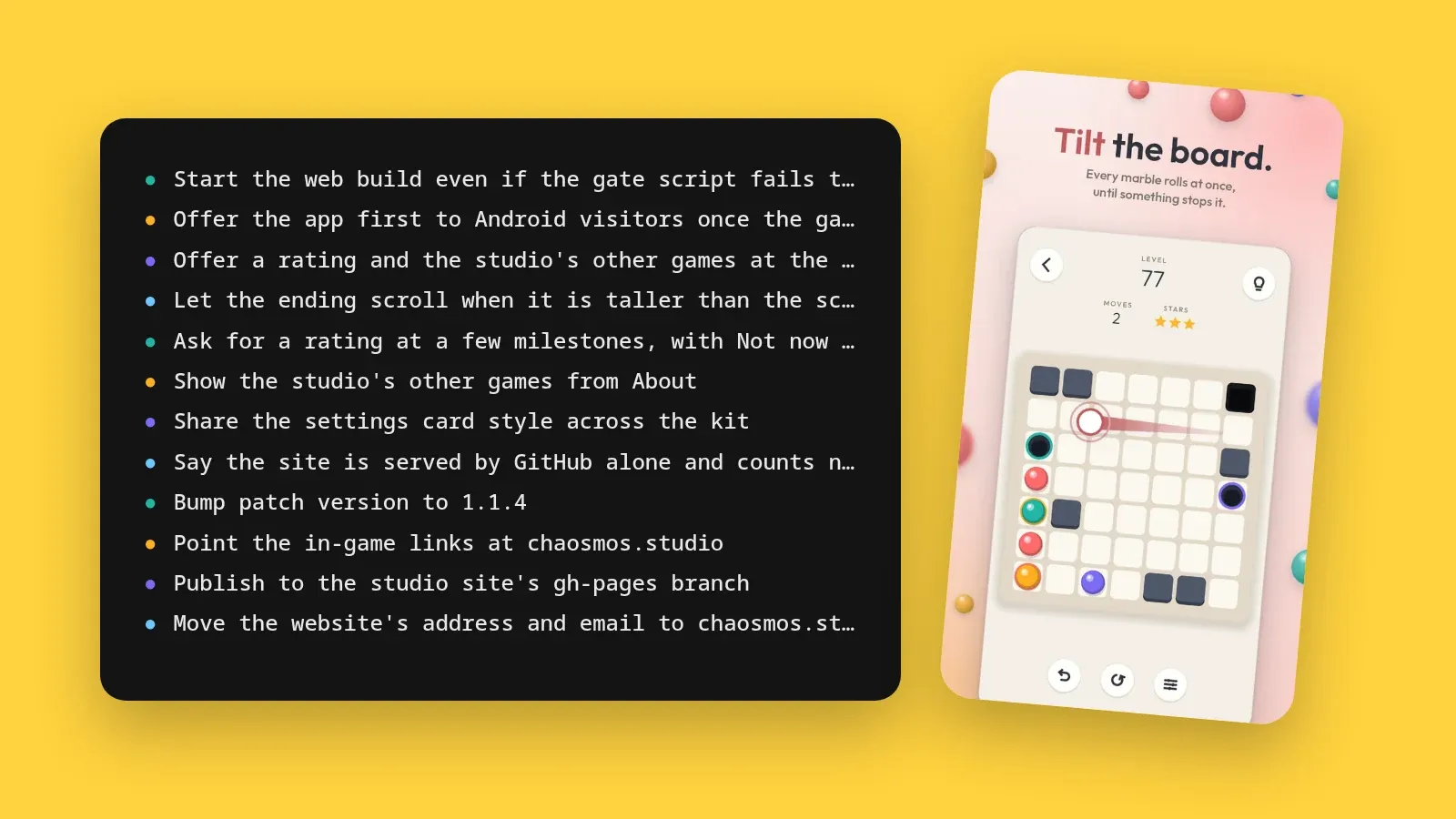
Chaosmos is one person, and that person is me. I make Plumb, Carillon and Apsis with the help of AI tools. I use AI coding assistants inside my editor, and they work on nearly everything: the game code, the level generators and the solvers that check them, the tests, the sounds, the store pictures, the websites, the promo videos and the release builds. The ideas, the taste and the final call are mine. Most of the typing is not.
People ask how that works day to day, so here it is, including the parts that go wrong.
Who does what
What I do:
- I have the ideas, from what each game is to what it is called.
- I set the direction for each piece of work, usually in a sentence or two.
- I play every build on my phone.
- I pick between options, and I say no to what does not feel right.
- I decide what ships, and when.
What the AI does:
- It writes the games in GDScript for Godot 4.7: the rules of each puzzle, the solver, the level generator, the screens and the tests.
- It writes the tools around them, mostly in Python: the synthesised sounds and music, the icons, the font build, the store screenshots, the blog pictures and the studio logo.
- It builds the websites, this one included.
- It writes the release workflow, the store listings and the docs.
The three games all began on 29 September 2026, under working titles: Tilt, Chain Song and Orbit Out. I renamed them the same day.
Some of my calls are rules rather than names. When the chapters were planned, I set one above the others: difficulty never drops, not even where a chapter brings in something new. The easy way to teach a new rule is an easy board, and that gives you a sawtooth. So a chapter’s first level teaches its rule on a board at least as hard as the one before it, and the tests fail if any level measures easier than the last.
The rules we both work to
All the games live in one workspace, and at its root is a short guide that the AI reads at the start of every session. It is my house rules, written down, and a few of them do most of the work:
- Every variable, parameter and return value is typed.
- The pure logic, meaning the rules, the solver and the generator, lives in plain scripts that can be tested without a screen.
- Any system with an interesting idea gets a short lesson in the game’s MATH.md, rather than comments in the code.
- Every constant that shapes the feel sits at the top of its script with a name, so I can change one, play, and feel the difference.
- Each change is its own commit, one line long.
- Nothing is called done until it has actually run.
The point of most of these is that the code stays something I can study and change, not a black box. Plumb’s MATH.md, for example, has lessons called “Par is a breadth-first search, and it doubles as the hint” and “The chapter gate: seven in ten”.
Beside the guide there are skills, longer written how-tos that the AI loads when a task needs one: proving a Godot change works, making Play Store pictures, building a game’s website, releasing to Google Play. When something goes wrong in a way that could happen again, the fix gets written into one of them. And when I give feedback that should hold for good, like the rule about difficulty, it is saved as a note that later sessions read.
How a change goes
Most changes follow the same path:
- I describe what I want, often in a sentence or two.
- The AI reads the game’s plan and the code it is about to touch.
- It makes the change, with tests for any logic in it.
- It runs the tests and a robot that plays the game, all without a screen.
- Anything visual is rendered to a screenshot and looked at.
- The change is committed, and I play the build on my phone.
- If something feels wrong, that becomes the next change.
A real example is the banner ad under the play screen. At first the banner only showed on the level list. I decided it should sit under the board while you play too, and that was about the whole request. The commit that came out of it, on 2 October, touched the plan, the UI kit the three games share, and the play screen. It added tests that the buttons clear the banner by a safe gap, and that a play screen keeps the banner’s room from its first frame, so the board never jumps when an ad loads. Because the kit is the same in all three games, Carillon and Apsis got the same change that day.
Then it ships. GitHub Actions runs the tests and the robot again whenever a game changes. Android releases are cut by hand: I add a section to the game’s CHANGELOG.md and run the release workflow, which reads the version and the player notes from it, builds and signs the app, and can upload it to Google Play.
How the work is checked
An AI writes code quickly, so checking it is the part that matters most.
Tests that solve every level again
Each game has a plain test script that runs in Godot without a screen and without any test framework. The level checks are the ones I care about most:
- Every shipped level is solved again on every run, through the real rules, and must still come out exactly as its file says, in Plumb and Carillon down to the fewest moves it takes.
- No two levels may be the same board turned or mirrored, or a near copy of each other.
- No level may measure easier than the one before it.
Around those sit checks on the rules themselves, the ad pacing, the shop, whether every panel fits on a phone screen, and the format of the changelog. Each game’s test script is between 1,600 and 2,300 lines long. Proven solvable explains how the levels are made and measured.
Robots that play
A smoke test plays each game through its own screens, the way a player would. In Apsis the robot even taps like a finger: it clears levels, misses on purpose, runs out of hearts, retries, slides from one arrow onto another, and clears late levels by pressing the hint and tapping whatever it lights. It also plays the ads against a stand-in ad network, to check that the pacing holds through the real Next level button.
Pictures from the real game
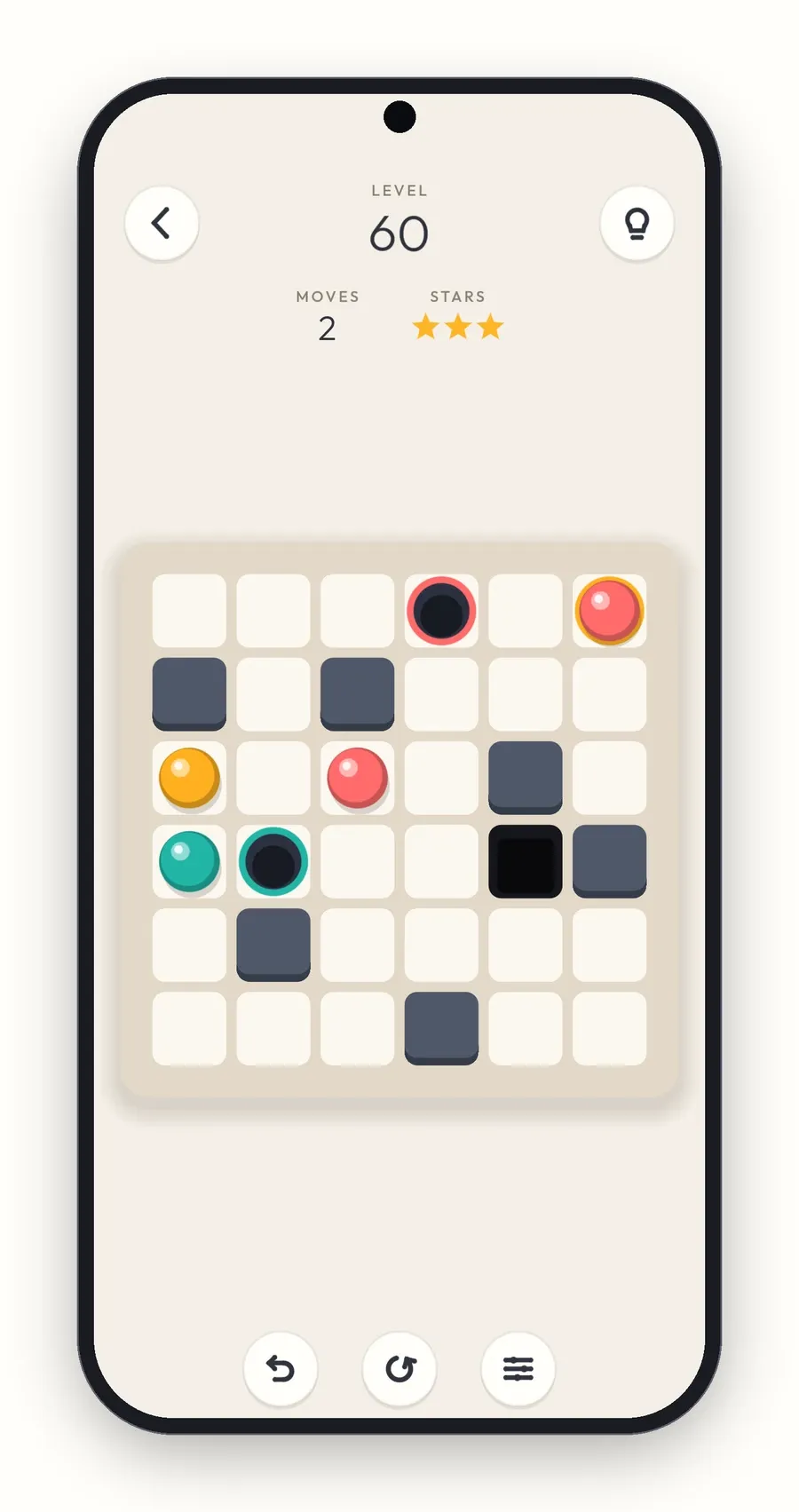
Anything visual is rendered and looked at before it counts as done. Each game has a screenshot run that captures every screen and state worth a look, in one go. And a tool called the Director stages the real game through its own code, any level and any screen, for the store screenshots, the pictures on this blog and the footage in the promo videos. None of them is a mock-up.
Me, on a phone
The robot can tell that a level clears. It cannot tell that a level is fun, that a sound is harsh, or that two levels feel the same. That part is mine, and it is why I play every build on my phone.
What went wrong, and how it was fixed
Plenty goes wrong. These are real ones from the first days.
A last tap with nothing to read. Carillon’s first level generator grew its chains freely, and the solver was happy with every level. But on one late level the first tap of the best solution popped 32 of its 34 dots, and the last two taps were lone dots that needed no thought at all. It was correct, and it was no fun. The fix gave every chain’s starting dot a core of its own that no other chain can reach, and getting that guard exactly right took a second try the next day.
Levels that felt the same. Playing Carillon, I felt some levels were repeats, even though no two matched dot for dot. That feeling became a precise check. Every level is compared with every other in all eight turns and mirrors, by its picture, by where the answer is, and by which dots pop which, and a level that matches on any of them is thrown out.
A vibration switch that did nothing. On Android, Carillon’s vibration switch did nothing at all, because the app had never asked the phone for permission to vibrate. No test without a phone could have seen that. Declaring the permission fixed it, on Carillon’s first day.
Panels that stopped short. On phones with a 90 or 120 Hz screen, the panels that slide up from the bottom, like Settings and the result of a level, did not rise all the way. On a fast screen the panel’s height was not known yet when its slide began, so it slid the wrong distance. Now the height is measured on every step of the slide. It never showed up on the computer, only on a phone.
An icon cut short. The app icon was cropped on the phone’s home screen, because the whole picture had been used as the front layer of Android’s adaptive icon. It is now built from proper layers.
Out of memory, out of a session. On my machine, when a job runs out of memory anywhere inside my editor, the system stops the whole lot: the editor, the terminals and the AI session with them. Heavy jobs, like video renders and Android builds, now run in their own memory-capped space, so the worst they can do is fail alone.
Measure, then change
What the AI does best is turn a feeling into a number, and the number into a fix.
I said late Apsis levels looked like a necklace. The AI measured them: 47 percent of their arrows sat on the outermost orbit. It added a cost for crowding any one orbit, and the share came down to about 40 percent.
Apsis first measured difficulty as depth, the number of rounds a level takes. That misjudged some boards badly, so it was replaced with reads, a count of how many arrows a careful player looks at, and the level order was rebuilt so it never gets easier.
Then there was the question of tapping the right arrow on a crowded board. The AI simulated slightly-off touches on every arrow of every level, and found that a careful finger picked the wrong arrow up to 8 percent of the time on the busiest boards. Spreading the arrows further apart would have changed little, so the fix went into the gesture instead: hold to lift an arrow and see its path, and slide onto the right one before you let go.
What it is good at
- Speed: each game’s first commit is dated 29 September, and a little over a week later each has more than 250 small commits.
- The boring places: solving every level again and comparing every pair of levels on every run is tedious for a person and nothing for a machine.
- Breadth: one session can go from a solver to a sound to a store listing, which is the only way three games, their websites and their store pages exist with one person.
- Sharing: the three games share one UI kit, kept identical in each, so a fix made in one game is copied whole into the other two.
What it is bad at
- Taste: the AI cannot tell whether a level is fun or a chime is too bright, and it has never held a phone.
- Real devices: the vibration switch, the fast screens and the cropped icon were all found on a phone, not by a test.
- Telling correct from good: the lonely last tap in Carillon passed every check that existed at the time.
- Open-ended visual work: one polished attempt after another gets me nowhere, so I ask for several rough options side by side, pick a direction, and refine that one.
- Volume: it writes far more than I could type, which is exactly why the code has to be written to be read.
Why say it at all
Each game’s Credits say it in one line under my name: made with the help of AI tools. Leaving that out would not be true.
The honest version is also the more useful one. A person with a clear idea of what a game should feel like, and an AI that can write, test and measure quickly, turn out to be a good pair for small, careful puzzle games.
You can see the results on their pages: Plumb, Carillon and Apsis. If you build things this way too, or want to ask about any of it, write to me at hello@chaosmos.studio.